Build, Design and Train Robots using AI
Install and start training in a few clicks
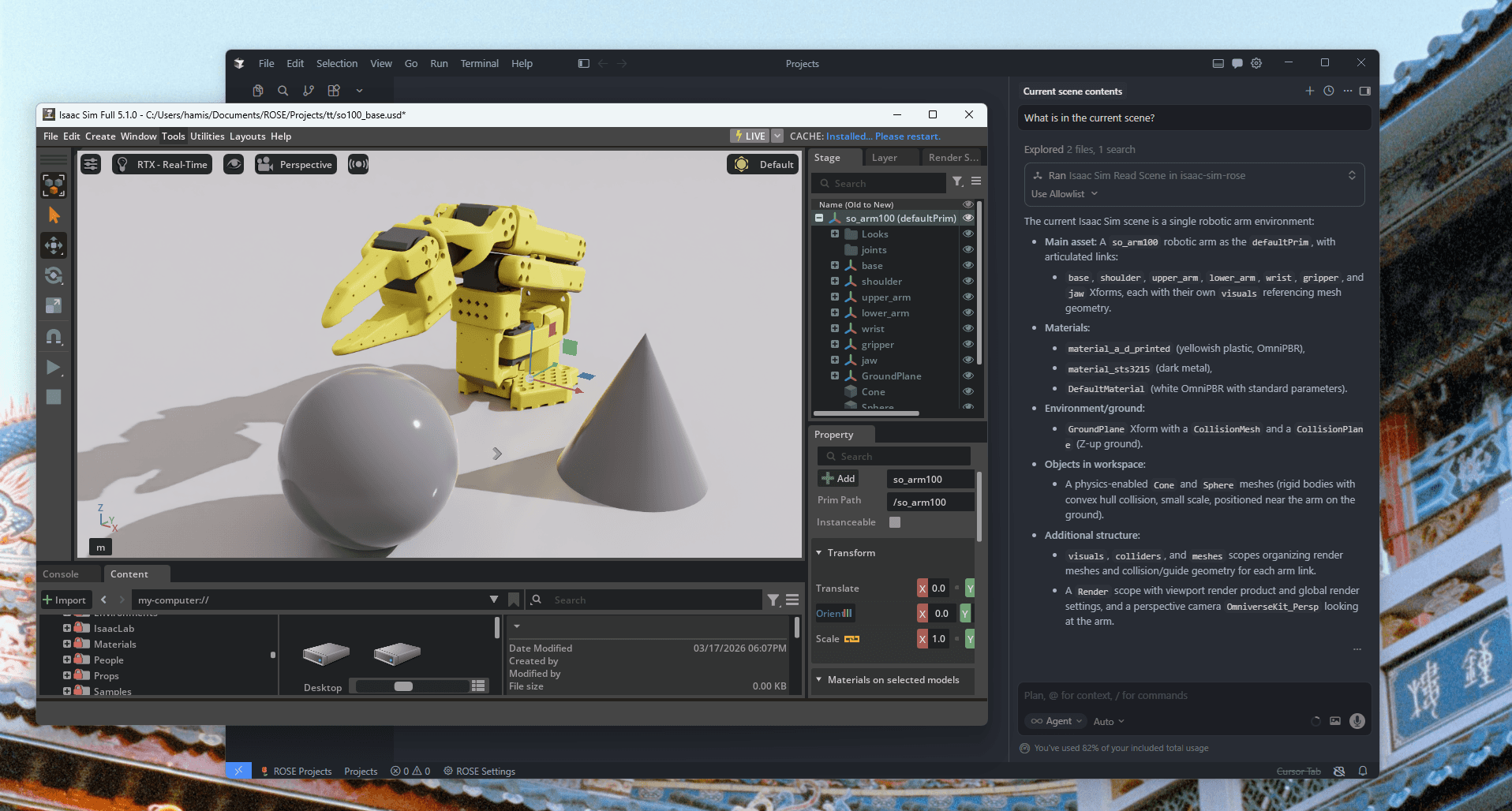
Fully integrated chat with Isaac Sim & Lab
Reads and edits your scenes & training scripts in real time. Great for debugging.
Up-to-date knowledge on Isaac Sim & Lab
Robot config, reward functions, transfering policies from simulation to reality…
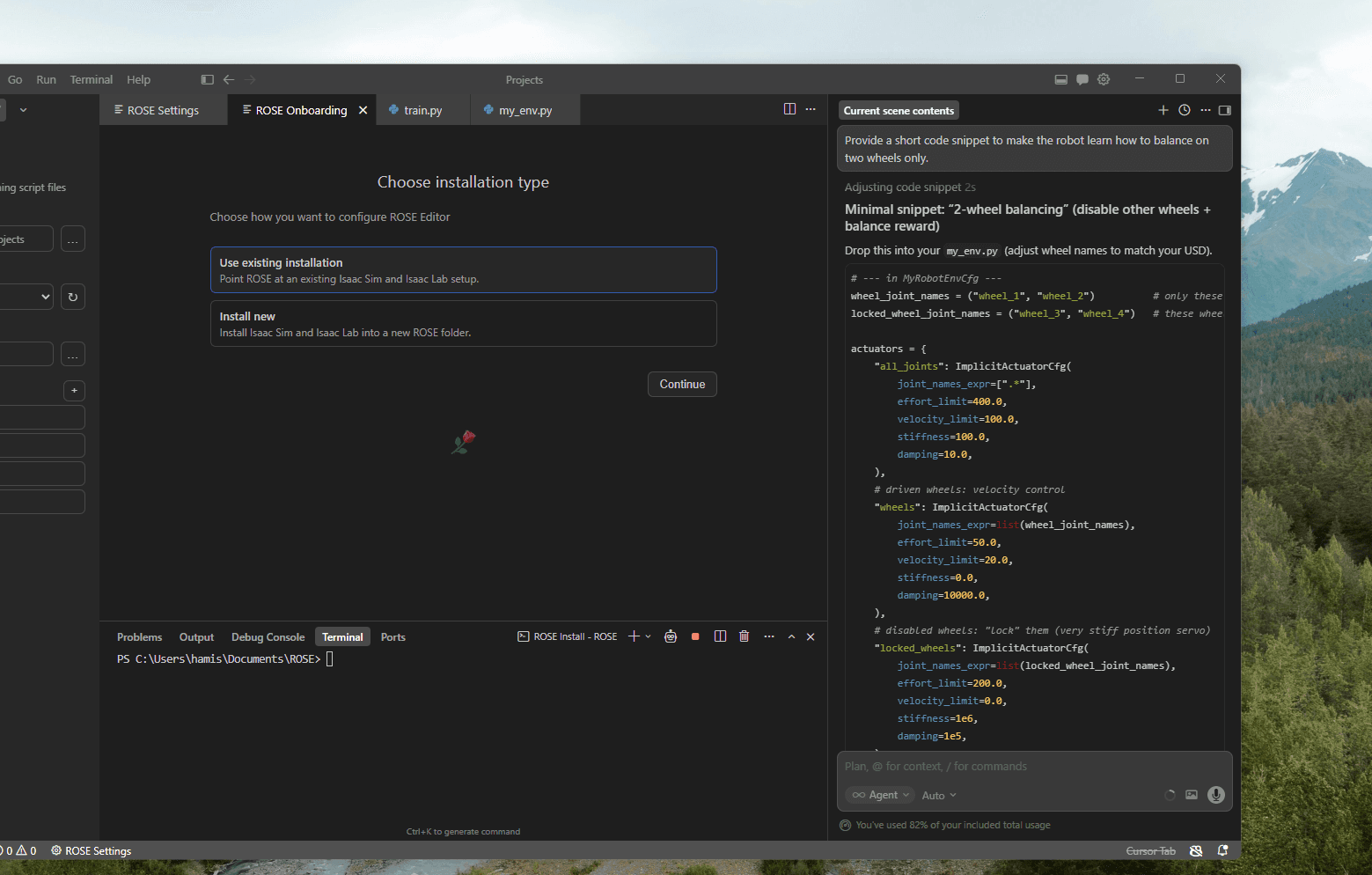
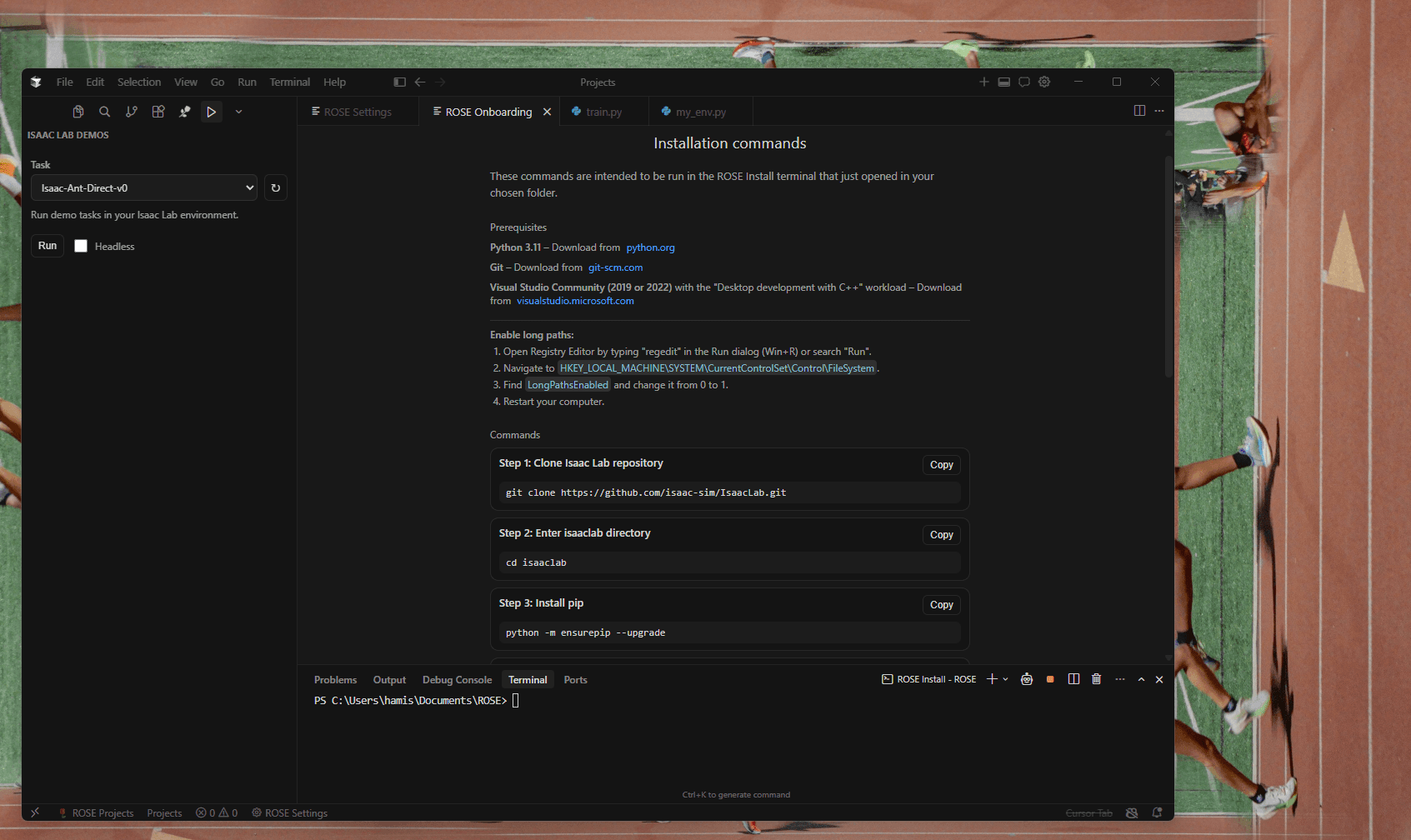
Easy install
Step by step process for installing Isaac Sim & Isaac Lab. Run any example projects with one button.
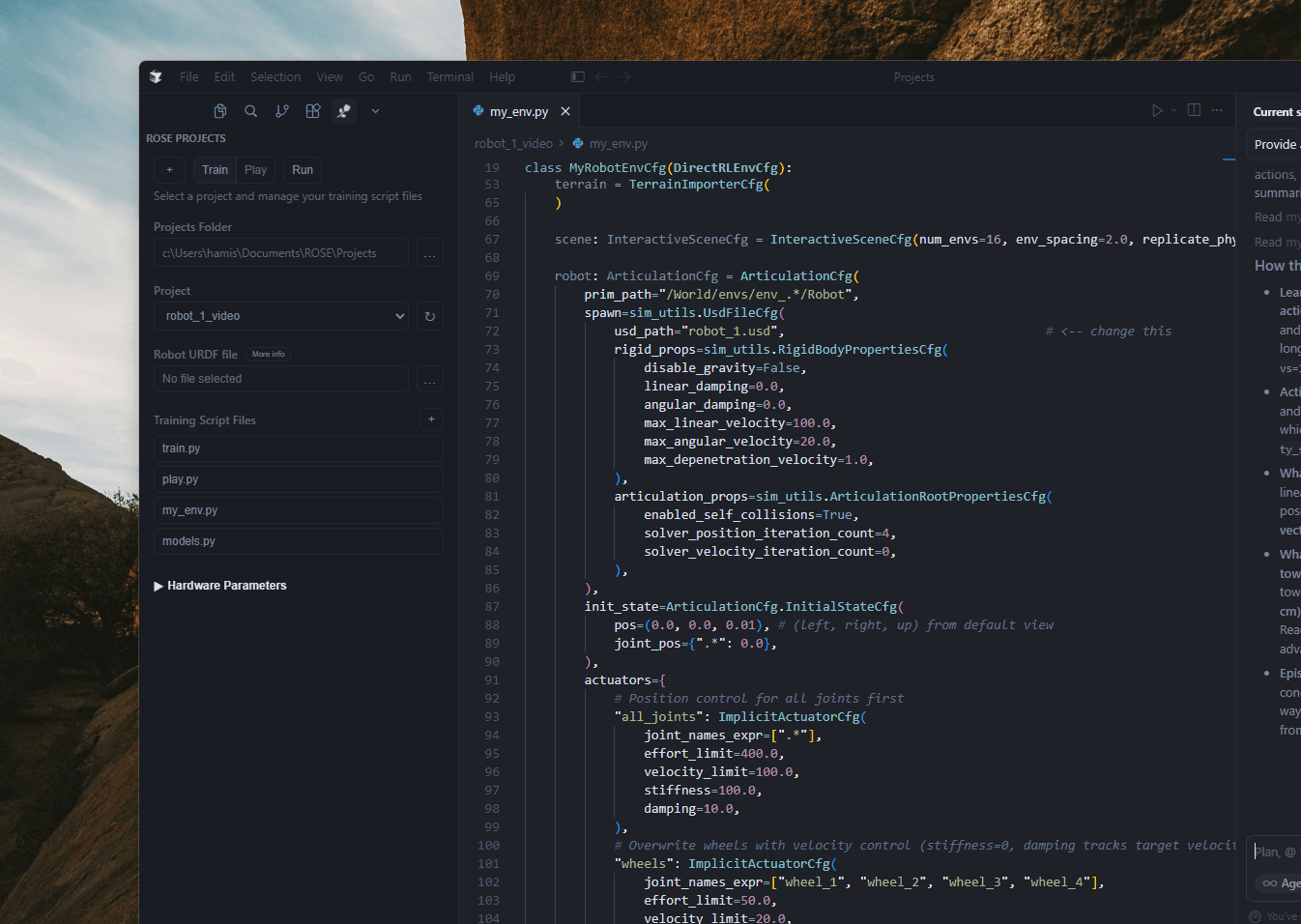
Generate a training script using ROSE Projects templates
Create a project, add your robot.usd file and instantly start training your robot using the templates.
How does it work?
ROSE editor installs Isaac Sim & Isaac Lab in a uv environment at /ROSE in your chosen directory. To use an existing install, just provide the location of your existing isaaclab folder during install. ROSE editor's AI tools has access to view your current scene and run python inside Isaac Sim via the rose editor extension, which is automatically installed and enabled on start. This gives it the power to view and edit any part of your project.
What can ROSE editor do?
ROSE editor can help you with any task inside Isaac Sim or Isaac Lab. For beginners you can easily run any of the isaaclab examples from the isaaclab demo terminal tab, select the file you want to run and press run. You can ask the AI to search the documentation to help with setting up a custom robot or training task.
Who is ROSE editor for?
Currently ROSE editor is aimed at beginners. It simplifies the install process, and allows anyone to run any of the examples easily from the IDE. ROSE Projects is a simplified project format which runs in ROSE Editor allowing anyone to import their robot.usd file and get started training it immediately, without any other setup.
Pricing
Subscription required to access some features, download here.
Free
$0
Limited access to ROSE Editor

Rose Editor 0.1
2025